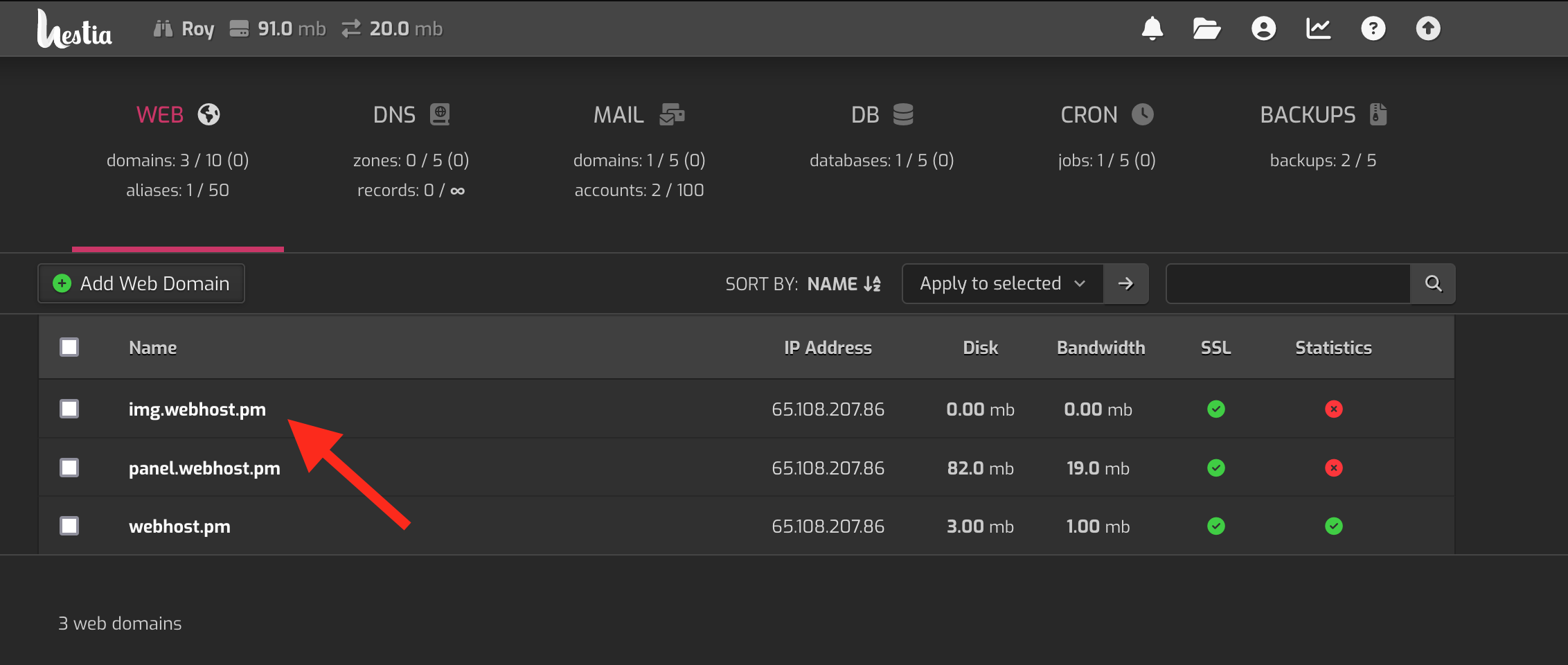
Go to “web”-section under the control panel. Click the domain you want to use as a redirect.
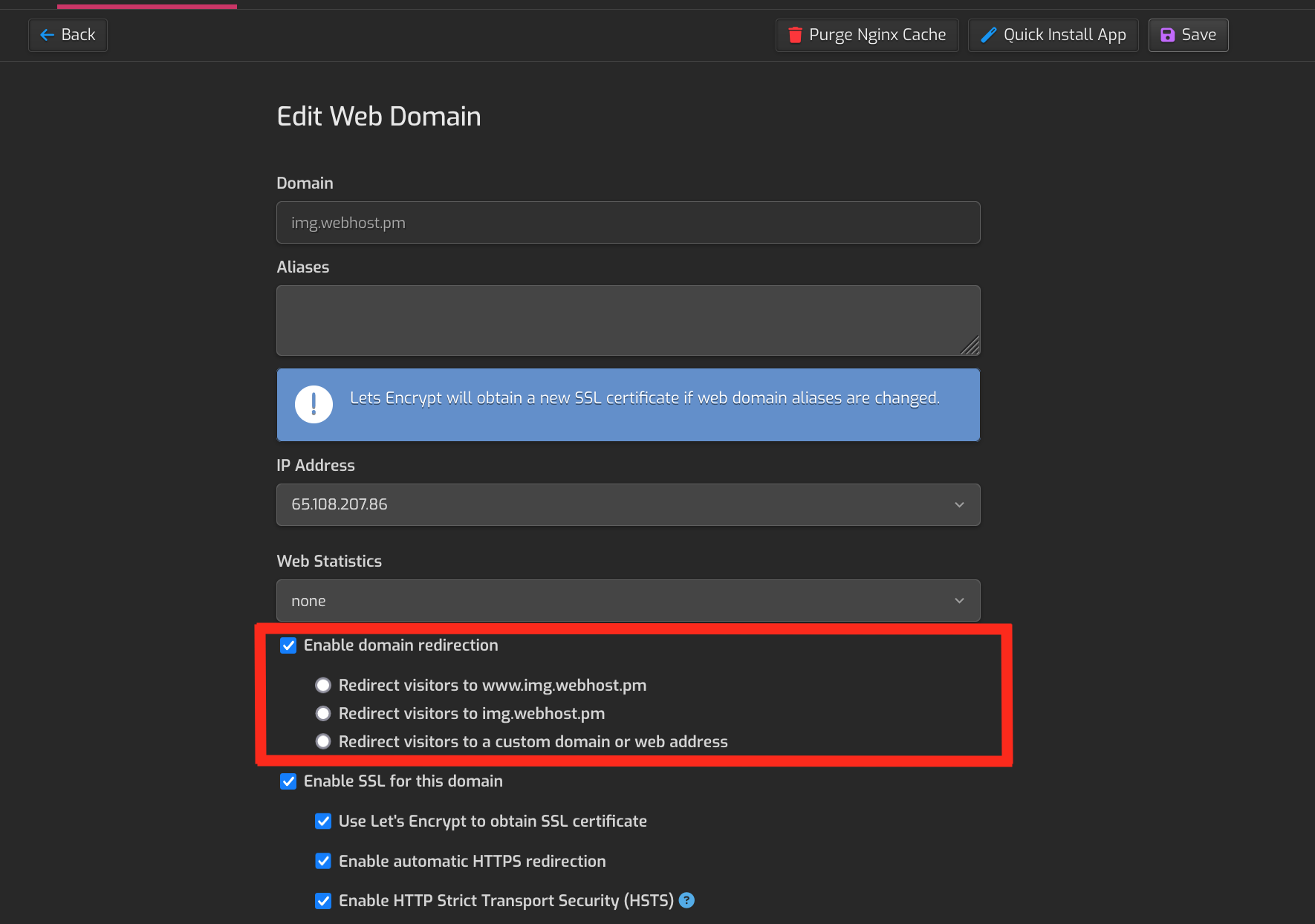
On the edit domain page, you can find three types of redirections:
- Redirection to www.example.com
- Redirection to example.com
- Redirection to a custom domain/web address
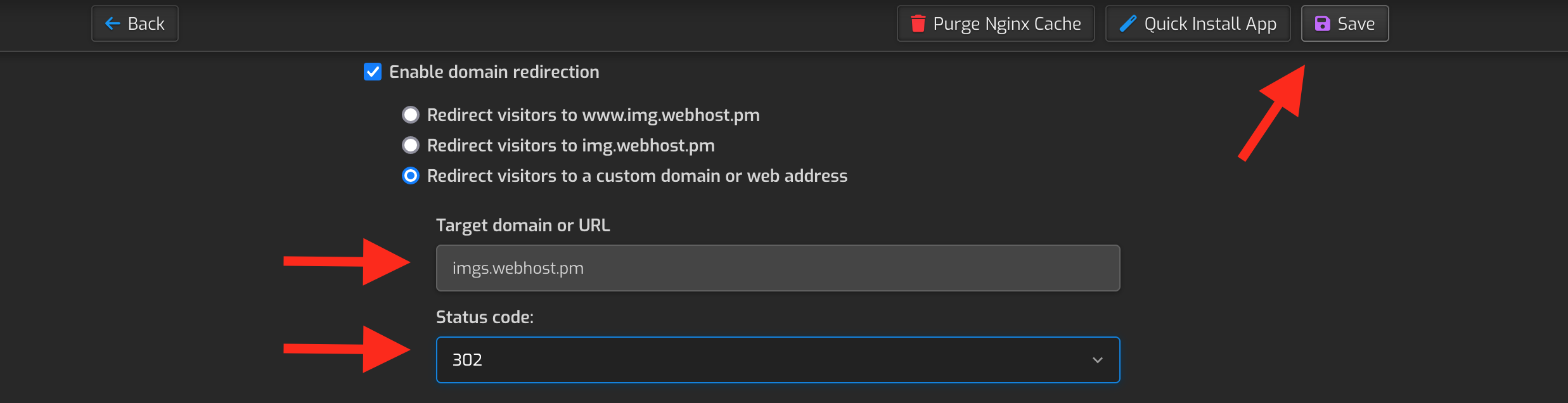
The last option, which redirects users to a custom address has an option the redirect location and status codes. There are two status codes:
- 301 (permanent), use when
- you have moved the content from the redirecting domain to the redirection destination and want to tell this to search engines (Google, Bing, Yahoo)
- the website has multiple domains
- 302 (temporary), use when
- you are testing the redirection and will in the future delete it
- you are redirecting a broken website to a working while you are fixing the original
Make sure you save the configuration after the edits.